 Derya Yoruk
Edge AI Vision expanded: Introducing the interface board for Sony® FCB-EV9500M
Discover the new SCAiLX MIPI Interface Board for Sony FCB-EV9500M, enhancing edge AI vision capabilities with high-speed connectivity and seamless...

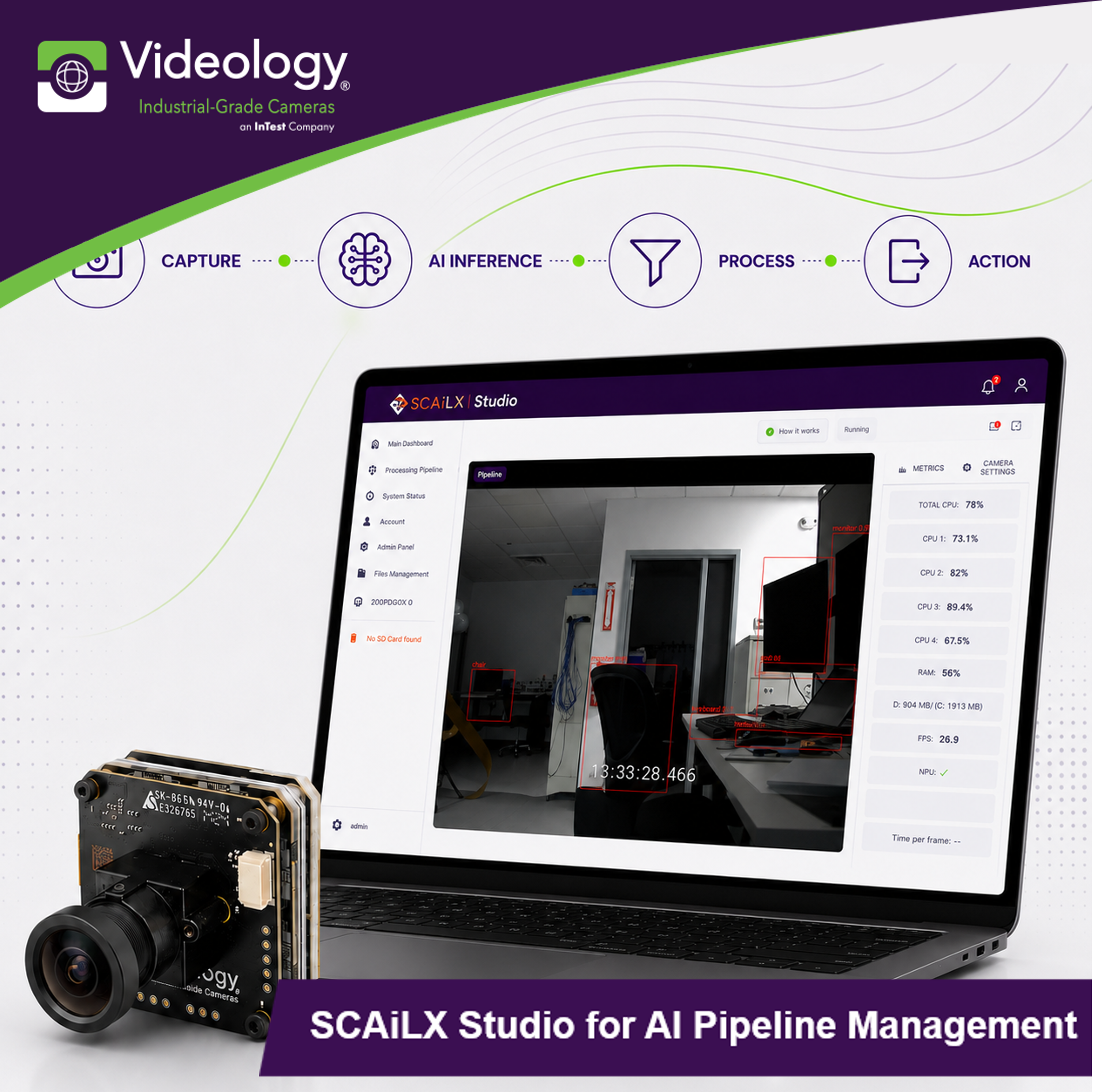
Artificial Intelligence at the Edge continues to create new opportunities across industries. From transportation to medical and aerospace infrastructure, organizations are looking for practical ways to deploy AI models closer to where data is created.
The challenge is often integration. Cameras, AI models, processing steps, and system outputs must work together as one solution.
We developed SCAiLX Studio to simplify that process.
SCAiLX Studio is a graphical user interface designed for the SCAiLX Edge AI Camera platform. It allows users to build, configure, and deploy AI pipelines through an intuitive web based environment.
Instead of writing code, users create AI workflows using a drag and drop interface.
SCAiLX Studio is a no-code pipeline management solution for the SCAiLX platform and is included with the updated SCAiLX firmware, version 0.20.0.
The infographic below provides an overview of SCAiLX Studio, including its core functionality, AI pipeline workflow, and key deployment benefits.
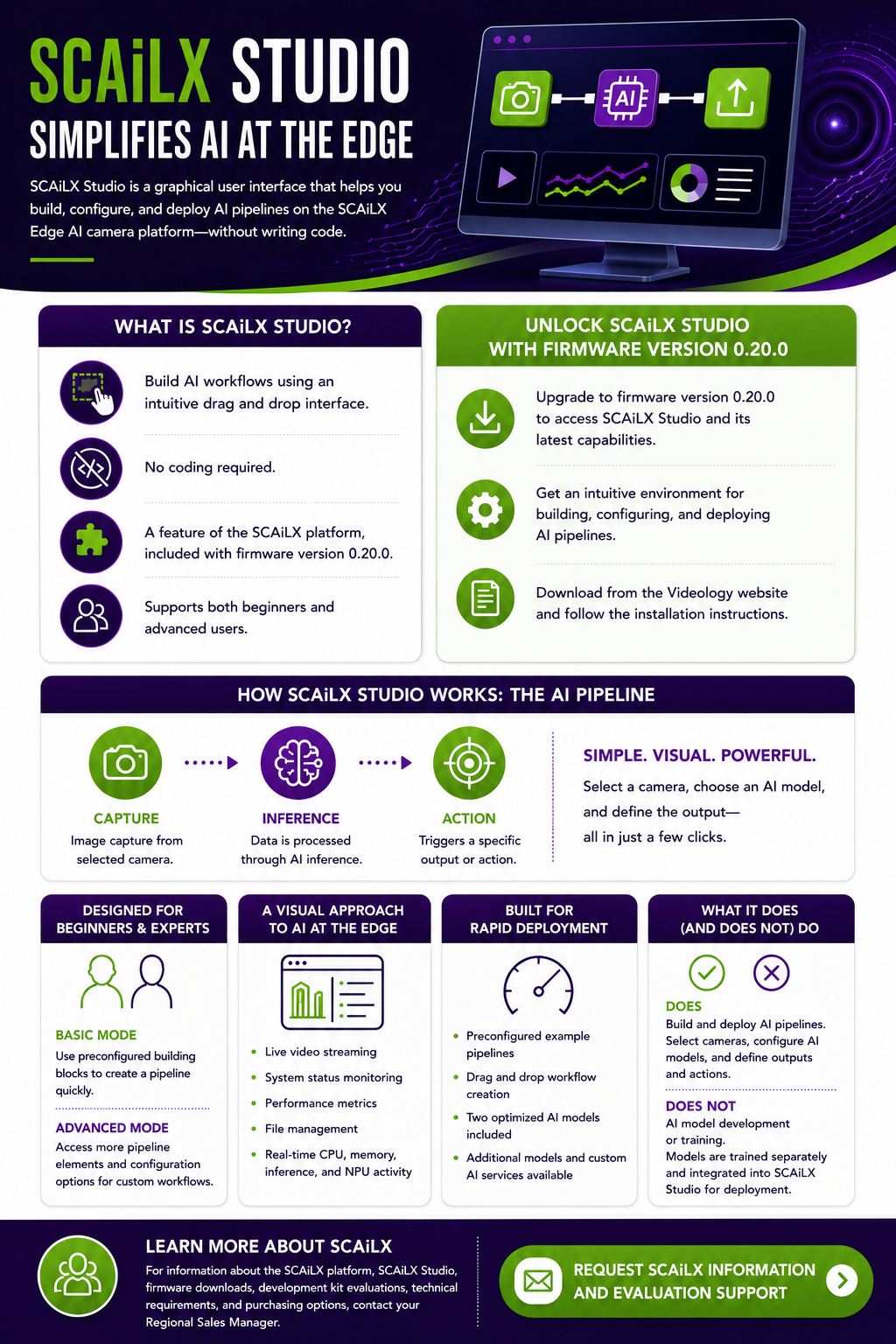
AI at the Edge adoption continues to grow, but complexity can slow implementation.
SCAiLX Studio helps reduce that complexity by providing an intuitive environment for building, configuring, and deploying AI pipelines on the SCAiLX platform.
Included with SCAiLX firmware version 0.20.0, SCAiLX Studio gives users a practical way to move from camera setup to AI deployment with greater speed and confidence.
If you are already using SCAiLX, upgrading to the latest firmware release is the easiest way to access SCAiLX Studio and take advantage of its latest capabilities. The release includes the tools needed to streamline AI development, simplify deployment, and accelerate application testing on the SCAiLX platform.
To get started, download the latest SCAiLX firmware release and follow the installation instructions provided in the user guide. Once upgraded, refer to the SCAiLX Studio User Guide for step-by-step instructions on building pipelines, configuring AI models, and deploying applications on the SCAiLX platform.
Download the latest SCAiLX firmware release:
https://github.com/VideologyInc/scailx_yocto/releases/latest
Access the SCAiLX Studio User Guide:
https://www.videologyinc.com/hubfs/pdfs/ug-scailx-studio.pdf
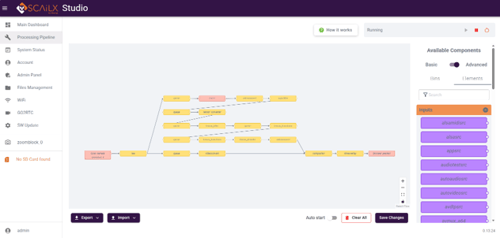 At the heart of SCAiLX Studio is the concept of an AI pipeline.
An AI pipeline defines how data flows through the AI Edge camera ecosystem. The process begins with image capture. Data then moves through AI inference before triggering a specific output or action.
In simple terms, users can select and configure a camera, choose an AI model, and define the desired output.
This visual approach makes system operation easier to understand, configure, and troubleshoot.
SCAiLX Studio supports both new and advanced users.
In Basic Mode, users can create a pipeline with preconfigured building blocks. They can select an input source, add an AI model, and choose an output action.
For more advanced applications, Advanced Mode provides access to a larger set of pipeline elements and configuration options. This allows engineers and system designers to create more customized AI workflows.
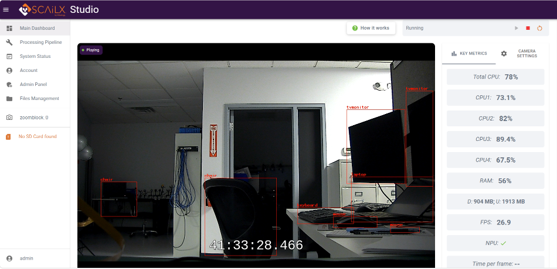 The SCAiLX Studio dashboard gives users access to the tools needed to build and monitor AI applications.
Users can view live video streams, monitor system status, review performance metrics, and manage files from one interface. Key system information such as CPU usage, memory consumption, inference rates, and NPU activity is available in real time. This visibility helps users evaluate performance and maintain confidence during setup and deployment.
SCAiLX Studio includes preconfigured example pipelines that provide a starting point for common AI at the Edge applications. Users can modify these examples or create their own workflows using the drag and drop interface.
Two optimized AI models are included with SCAiLX Studio:
YOLOv8 Object Detection for detecting, classifying, and tracking objects within a scene.
Pose Estimation for identifying and analyzing human body positions and movement.
These included models allow users to begin testing and deploying AI applications without sourcing or integrating third party models.
For applications that require additional functionality, additional AI models are available for purchase. Custom AI model development and training services are also available to support unique application requirements.
For information about the SCAiLX platform, SCAiLX Studio, firmware downloads, development kit evaluations, technical requirements, and purchasing options, please use the form below to contact your Regional Sales Manager.
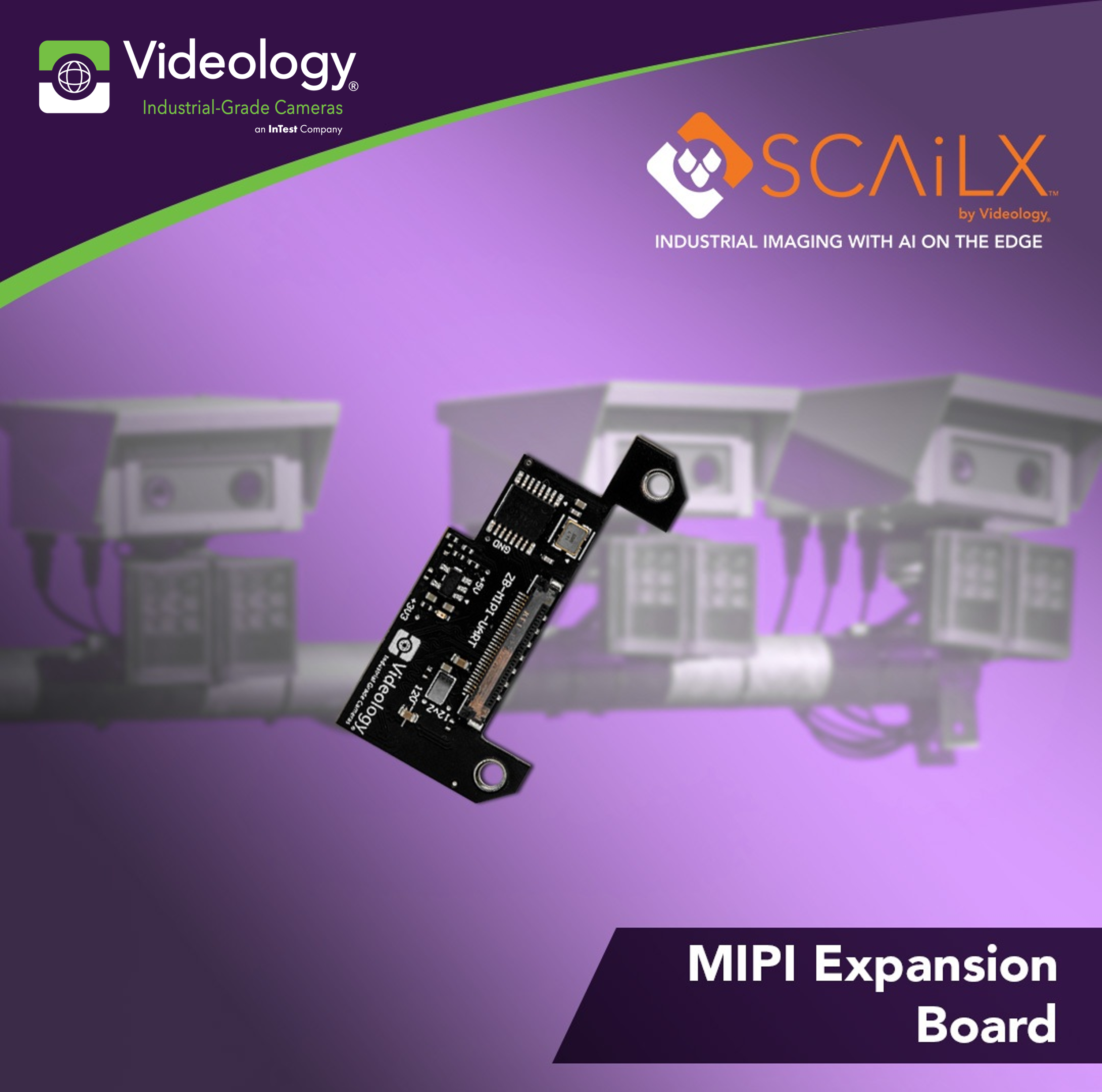
Discover the new SCAiLX MIPI Interface Board for Sony FCB-EV9500M, enhancing edge AI vision capabilities with high-speed connectivity and seamless...
Videology enhances its IP cameras with improved security, easier integration, and operational flexibility for efficient management and deployment.
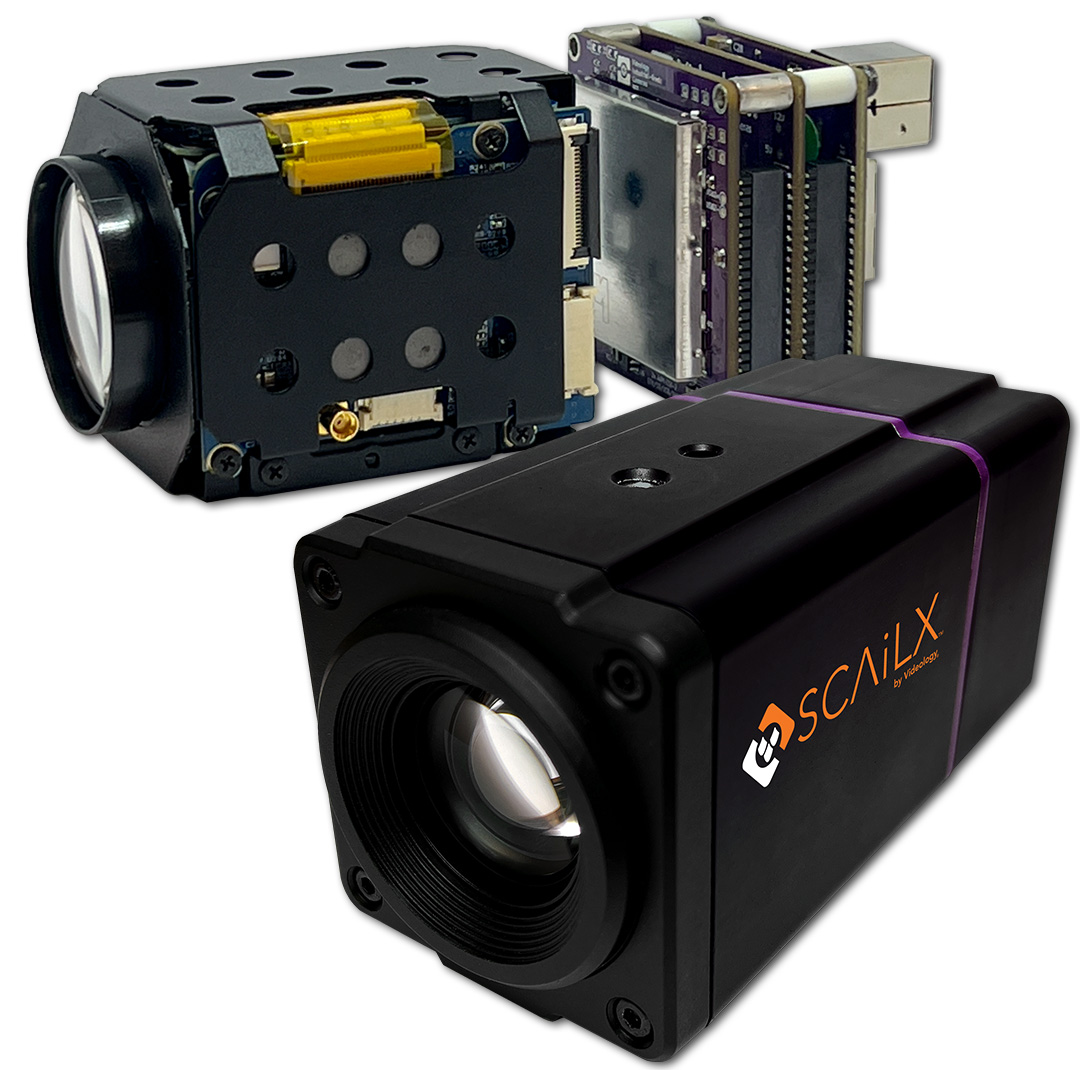
SCAiLX-ZB is an Edge AI camera with a neural processing unit (NPU) for embedded image and video processing, making Videology Zoom Block cameras smart.


